Portable 4K Mini Projector: Auto Focus & Bluetooth Setup
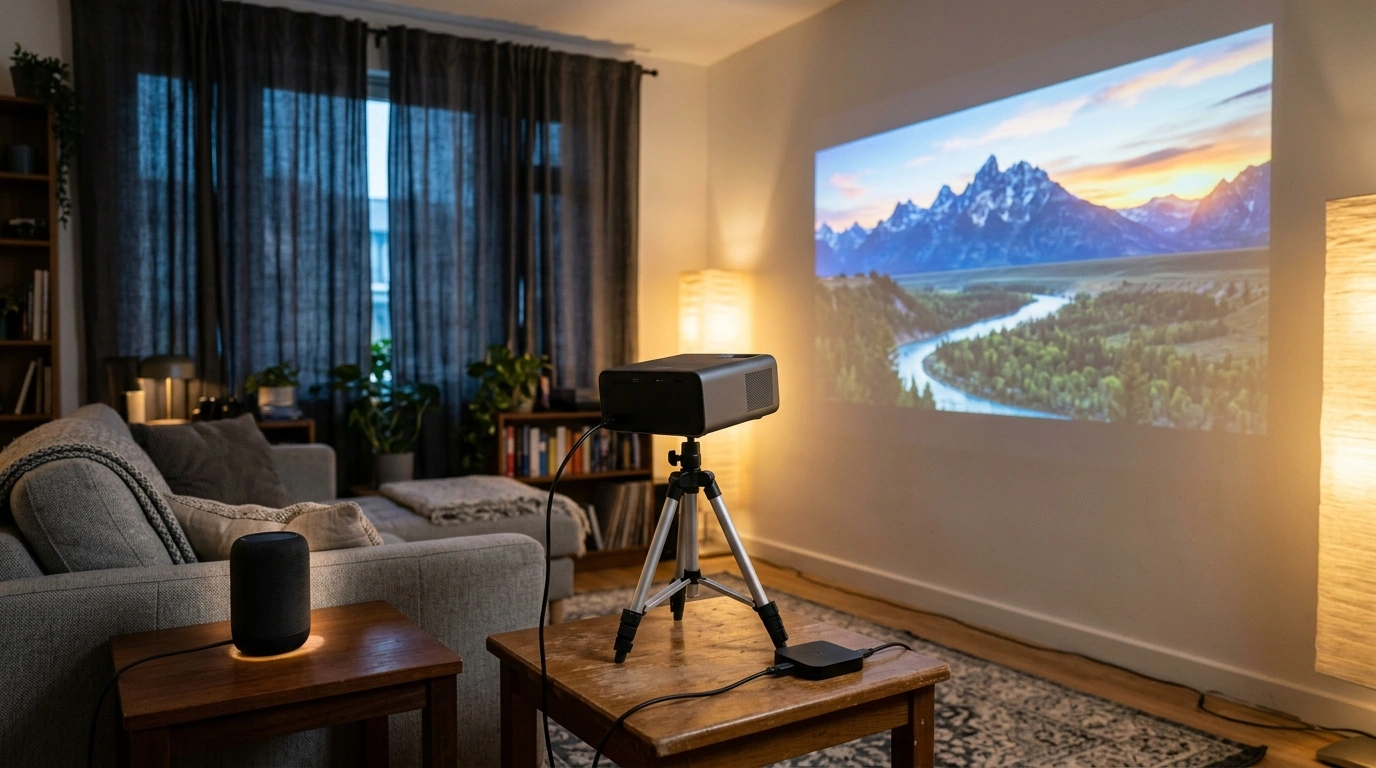
Portable 4K Mini Projector with Auto Focus and Bluetooth for Home Theater
A compact projector can turn a bedroom, apartment living room, or backyard wall into a big-screen setup in minutes. Auto focus helps keep the picture sharp with less fiddling, and Bluetooth makes it easier to route sound to a speaker or soundbar. Below is a practical guide to what makes a portable projector feel “home theater ready,” how to set it up for a comfortable viewing experience, and where a portable 4K mini projector fits best.
What makes a portable projector feel “home theater ready”
Portability is only half the story. A truly satisfying home-theater experience comes down to how quickly you can get a clean image, how well the projector behaves in real rooms (not ideal labs), and how painless it is to hook up your favorite sources.
- A stable, sharp image: fast auto focus and reliable keystone correction reduce setup time when moving between rooms.
- Comfortable brightness for the space: darker rooms can look great at lower brightness; living rooms usually require better ambient light control.
- Clean connectivity: HDMI for streaming sticks and consoles, Bluetooth for audio, and dependable Wi-Fi (if supported) for casting.
- Audio strategy: built-in speakers work for casual viewing, but external audio improves dialog clarity and impact.
- Placement flexibility: tripod mounting, shelf placement, and short-to-mid throw distances help in small spaces.
| Feature | Why it matters | What to verify before buying |
|---|---|---|
| Auto focus | Keeps text and faces sharp after moving the projector | Focus speed, consistency, whether it refocuses after bumps |
| Keystone correction | Squares the image when the projector isn’t perfectly centered | Vertical/horizontal support, limits before distortion is noticeable |
| Bluetooth audio | Easy pairing to speakers/headphones | Latency behavior, pairing stability, supported device types |
| Inputs (HDMI/USB) | Connects streaming sticks, consoles, laptops | Number of ports, power output for streaming stick if needed |
| Portability | Enables room-to-room and travel use | Weight, included case/handle, setup time |
Auto focus and keystone: what they fix (and what they don’t)
Auto focus and keystone correction solve different problems, and knowing the difference helps you get a sharper picture with fewer compromises.
- Auto focus targets sharpness, not geometry: it improves clarity, but it won’t automatically square a tilted image unless the projector also applies auto keystone.
- Keystone correction can reduce edge sharpness: heavy digital correction may soften corners; better physical placement usually beats extreme correction.
- Best-practice placement: keep the projector level and roughly aligned with the center of the screen to minimize correction needs.
- When auto focus shines: quick setups, frequent repositioning, and projecting on different surfaces (screen one night, wall the next).
- When manual tweaks still help: fine-tuning sharpness for small text, game HUD elements, and subtitles.
If you’re unsure about distance and image size, a throw-distance calculator can help you plan before you rearrange furniture. Projector Central’s screen size calculator is a practical starting point for estimating placement.
Bluetooth audio for movie nights: pairing, latency, and sound upgrades
Bluetooth makes portable projectors feel far more “living-room friendly” because it removes the need to run audio cables across the floor. It’s a quick upgrade path: pair to a compact speaker for casual nights or a soundbar when you want more impact.
For deeper technical background on Bluetooth behavior and compatibility, the Bluetooth SIG specification overview is a reliable reference.
Real-world setup: getting a sharp, bright picture in small spaces
For a comfort check on seating distance versus screen size, the general principles in RTINGS’ viewing distance guidance translate well to projection.
Using a portable 4K mini projector with streaming sticks, consoles, and laptops
Who this projector setup suits best
Product spotlight: Portable 4K Mini Projector with Auto Focus and Bluetooth
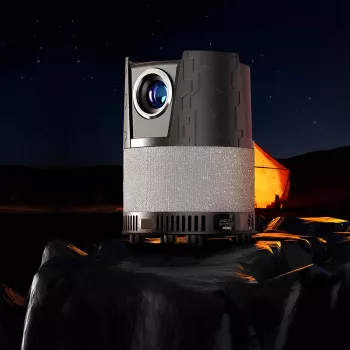
If the goal is a fast, flexible big-screen experience without dedicating a room to a fixed screen and ceiling mount, a compact projector with auto focus and Bluetooth is a strong match. The Portable 4K Mini Projector with Auto Focus and Bluetooth for Home Theater is built for quick setups—especially when you move from bedroom to living room or change the throw distance and want the image to stay crisp.
| Item | Detail |
|---|---|
| Product | Portable 4K Mini Projector with Auto Focus and Bluetooth for Home Theater |
| Price | $323.51 USD |
| Availability | In stock |
More in-stock picks that pair well with family movie nights
For households that use movie time to wind down, these in-stock digital guides can complement the routine (especially with kids in shared spaces): How to Talk to Kids About Emotions – Practical Parenting Guide and A Friendly Guide to Kids Eating the Same Food Every Day.
FAQ
Does Bluetooth work well for home theater sound, or is wired audio better?
Bluetooth is convenient for pairing speakers and soundbars, but it can introduce audio delay. For the tightest lip-sync—especially for gaming—wired audio via HDMI or an adapter is often more consistent.
How far should a portable projector be from the wall or screen?
Distance depends on the projector’s throw characteristics and the image size you want. Start with the manufacturer’s guidance, then adjust to balance brightness, sharpness, and minimal keystone correction.
Will auto focus keep the whole image sharp, including corners?
Auto focus improves overall sharpness, but corner clarity can still depend on alignment, surface flatness, and how aggressively keystone correction is applied. Better centering and a flatter projection surface typically improve corner detail.








Leave a comment